
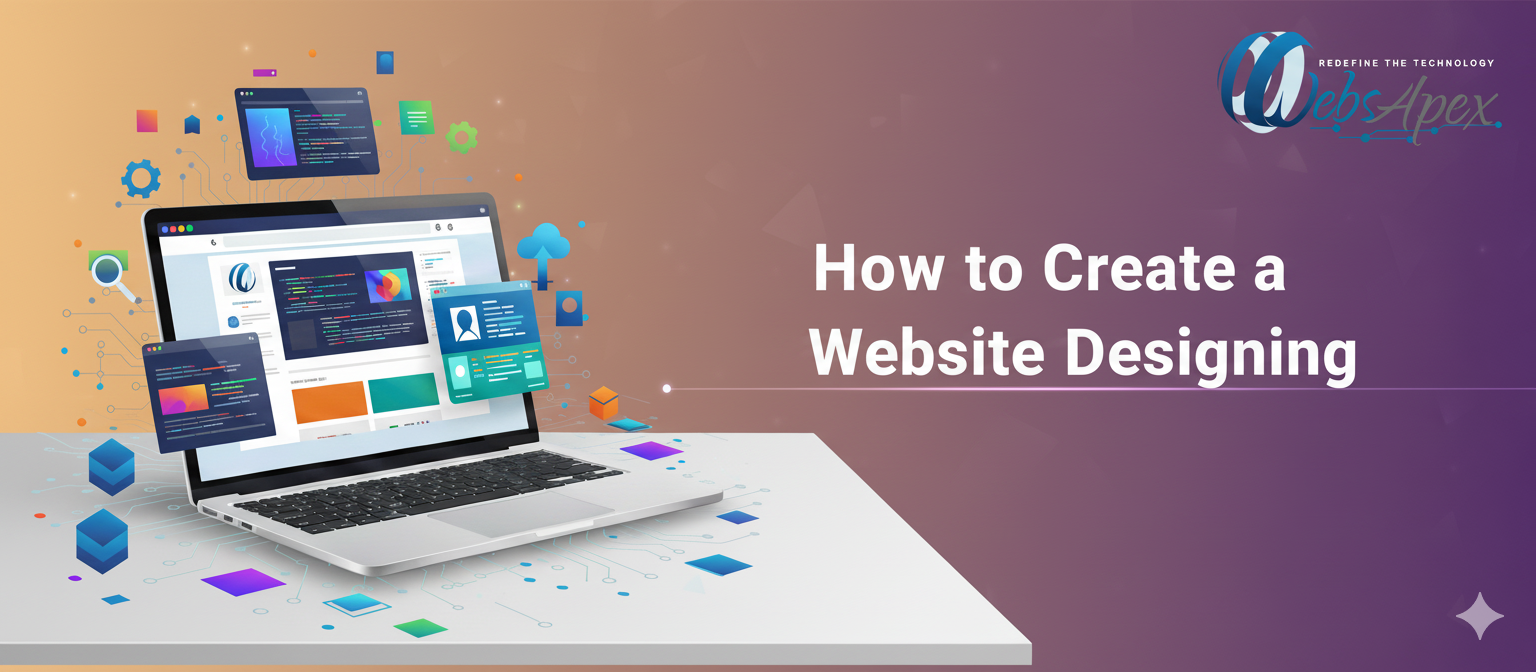
How to Create a Website: A Step-by-Step Guide by WebsApex
Want to launch your own website but don’t know where to start?
In this comprehensive step-by-step guide by WebsApex, we’ll walk you through everything — from choosing a domain name to publishing your site live on the internet. Whether you’re a beginner, a business owner, or a blogger, this guide will help you build a website that’s professional, fast, and SEO-ready.
1. Introduction
Your website is more than just a digital brochure — it’s your online identity, store, and sales engine all in one.
Whether you’re a shopper launching an online boutique, a professional building a personal portfolio, or a business owner wanting to expand online, a well-designed website is your most powerful asset.
At WebsApex, we specialize in Website Designing Services and Website Development Services that help you build user-friendly, SEO-optimized, and visually appealing websites. This guide shows you how to create a website step by step, even if you’re just starting out.
2. Why Every Business Needs a Website in 2025
The internet is no longer optional. Here’s why having a website is essential:
- 24/7 Accessibility: Customers can find you anytime, anywhere.
- Trust & Credibility: A professional site signals reliability to shoppers and clients.
- Marketing Hub: Showcase products, blogs, testimonials, and promotions.
- Competitive Advantage: Your competitors are online — you should be too.
- Scalability: With Website Development Services, you can add features as your business grows.
A good website powered by Custom Website Designing allows your brand to stand out in crowded markets.
3. Website Design vs. Website Development: Key Differences
Many people use these terms interchangeably, but they serve distinct purposes:
- Website Design: Focuses on aesthetics — color palette, typography, imagery, layouts, and overall brand feel.
- Website Development: Handles coding, server-side logic, database connections, and technical performance.
At WebsApex, our Website Designing Services ensure that your site looks modern and engaging, while our Website Development Services keep it functional, secure, and fast.
Step 1: Setting Clear Goals for Your Website
Before starting the build, ask yourself:
- What is the main purpose? (E-commerce, blogging, portfolio, lead generation)
- Who is your target audience — shoppers, professionals, or local businesses?
- What features will you need? (Search filters, booking tools, payment gateways)
- How will you measure success? (Traffic, leads, sales conversions)
Goal-setting ensures that your Website Design aligns with your business objectives.
Step 2: Choosing the Right Website Platform
Selecting the correct platform is crucial for long-term success:
- WordPress: Flexible and beginner-friendly for blogs, portfolios, small business sites.
- Shopify or WooCommerce: Best for online shops targeting shoppers.
- Custom PHP Website Designing: Perfect for large businesses needing unique solutions.
- Wix or Squarespace: Simple drag-and-drop tools for quick launches (limited scalability).
Pro Tip: For growing businesses, Custom Website Designing built on PHP Website Designing offers unmatched flexibility.
Step 3: Registering a Domain Name & Selecting Hosting
Your domain name is your digital address, e.g., www.websapex.com.
Choose a name that is:
- Short and memorable
- Easy to spell
- Reflective of your brand
For hosting, look for providers offering:
- 99.9% uptime
- SSL certificates for security
- Fast loading speeds
- Reliable customer support
A professional host plus expert Website Development Services ensure stability and performance.
Step 4: Planning the Website Structure & Layout
A well-planned structure enhances user experience:
- Map out main pages (Home, About, Services, Blog, Contact).
- Create a logical navigation menu so visitors find information quickly.
- Use breadcrumb trails for large sites.
- Decide on page hierarchy before starting Website Design.
At WebsApex, we design site maps that make websites simple yet powerful.
Step 5: Website Design Principles that Convert
Effective Website Designing is more than looks — it drives conversions:
- Clean & Minimal Layout: Avoid clutter.
- Consistent Branding: Match your logo, fonts, and color scheme.
- High-Quality Visuals: Product images matter greatly for shoppers.
- Clear Call-to-Action (CTA): Encourage users to “Buy Now,” “Sign Up,” or “Request a Quote.”
- Accessibility Compliance: Make your site usable for everyone.
Good Website Design leads to trust and increased sales.
Step 6: Custom Website Designing for Unique Brands
Generic templates rarely showcase your brand’s uniqueness.
Benefits of Custom Website Designing:
- Tailored page layouts
- Unique branding elements
- Scalable architecture for future growth
- Easy third-party integrations
WebsApex crafts custom designs that highlight your brand personality and deliver a superior user experience.
Step 7: PHP Website Designing – A Reliable Choice
Why choose PHP Website Designing in 2025?
- Flexibility: Code customized to your needs.
- Speed: Optimized PHP scripts boost performance.
- Security: Well-maintained PHP code is robust.
- Compatibility: Integrates with APIs, CRMs, and payment systems.
For businesses needing robust, scalable sites, our Website Development Services often use PHP as the backbone.
Step 8: Content Strategy & Copywriting Tips
Content decides whether visitors stay or bounce:
- Use clear headlines to guide readers.
- Highlight benefits, not just features.
- Include keywords naturally — Website Designing Services, Website Development Services, etc.
- Write product descriptions that appeal to shoppers.
- Maintain a blog section to share updates, tutorials, and stories.
Quality content strengthens SEO and customer engagement.
Step 9: Building SEO-Friendly Web Pages
Key SEO elements:
- Keyword-rich titles & meta descriptions
- Header tags (H1, H2, H3) with keywords
- Alt text for all images
- Fast loading speed by compressing images and optimizing code
- Internal linking to other relevant pages
- Submit a sitemap to Google Search Console
SEO is an ongoing effort; WebsApex integrates these practices during the Website Designing phase.
Step 10: Mobile-First & Responsive Website Designing
With more than 70% of users browsing on mobile, responsive design is mandatory.
Your website should automatically adjust to any screen size — desktop, tablet, or phone — providing a seamless experience.
Step 11: Integrating E-commerce Features for Shoppers
For online stores:
- Secure payment gateways
- Product catalogs with filters and categories
- Shopping cart & checkout optimization
- Wishlist and product reviews
- Real-time inventory tracking
A solid Website Development Service ensures these features run smoothly.
Step 12: Security, Speed & Performance Optimization
A safe, fast website keeps customers loyal:
- Install SSL certificates for HTTPS
- Regularly update your CMS or PHP scripts
- Backup your site frequently
- Use firewalls & malware scanners
- Implement caching & CDNs for faster load times
Step 13: Website Launch Checklist – Going Live the Right Way
Before you launch:
- Test all links, forms, and payment gateways
- Ensure SEO tags and metadata are correct
- Double-check mobile responsiveness
- Review for typos and grammar
- Monitor site speed and security certificates
A flawless launch builds trust and professionalism.
Step 14: Post-Launch Maintenance & Regular Updates
Websites need ongoing care:
- Update plugins, software, and scripts
- Add fresh content regularly
- Track analytics & user behavior
- Fix broken links immediately
- Refresh design periodically to stay modern
How Professional Website Designing Services Help
While DIY tools seem appealing, hiring experts like WebsApex offers:
- Deep knowledge of UX/UI design
- SEO-friendly code structures
- Enhanced security & scalability
- Custom features not available in templates
- Dedicated support & maintenance
Our Website Designing Services turn your vision into a polished, high-converting site.
Real-World Case Study: A WebsApex Client’s Success Story
A boutique clothing brand approached WebsApex wanting to sell online.
We delivered a Custom Website Designing solution using PHP Website Designing with:
- Mobile-first responsive layouts
- Secure payment gateways
- SEO-optimized product pages
- Integrated inventory system
Within six months, their online sales increased by 130% and their site now ranks on the first page of Google for “trendy boutique clothing online.”
Common Mistakes to Avoid When Creating a Website
- Choosing slow or cheap hosting
- Overloading pages with animations or pop-ups
- Ignoring mobile optimization
- Skipping SEO basics
- Not backing up your website
- Using low-quality stock images
Avoiding these pitfalls saves time, money, and headaches.
Advanced SEO Strategies for 2025
- Use voice-search optimized keywords
- Implement schema markup for rich snippets
- Focus on page experience metrics (Core Web Vitals)
- Leverage AI-generated content suggestions ethically
- Build backlinks through guest posting and partnerships
These tactics enhance visibility and ranking for your Website Designing Services pages.
12 Frequently Asked Questions (FAQs)
Q1: How long does it take to create a website?
A basic site may take 1–2 weeks; complex custom sites take 4–8 weeks.
Q2: Can I update the website myself?
Yes, we provide an admin panel for easy edits and content updates.
Q3: What’s the cost of professional Website Designing Services?
Costs vary based on design complexity, features, and platform choice.
Q4: Do I really need SEO from day one?
Absolutely — it’s best to build SEO into your site from the start.
Q5: Why should I choose PHP Website Designing over drag-and-drop builders?
PHP allows greater flexibility, performance, and integration for future growth.
Q6: How secure will my website be?
We install SSL, apply secure coding practices, and monitor for vulnerabilities.
Q7: Do you offer Website Development Services for e-commerce?
Yes, WebsApex specializes in secure, scalable online stores.
Q8: Will my website be mobile-friendly?
Yes, all sites we build use responsive Website Designing.
Q9: How do I maintain my website after launch?
Regular updates, backups, analytics monitoring, and occasional redesigns.
Q10: Can WebsApex help with digital marketing too?
Yes, we offer SEO and marketing strategies for higher traffic and conversions.
Q11: Will my website support multiple languages?
Yes, multilingual capabilities can be added during development.
Q12: What if I want to rebrand later?
Our Custom Website Designing makes it easy to refresh branding without rebuilding from scratch.
Final Thoughts: Build Your Dream Website with WebsApex
Building a website may seem overwhelming, but with the right guidance and tools, it becomes an exciting journey.
By following this guide and partnering with WebsApex for Website Designing Services and Website Development Services, you can create a professional, secure, SEO-optimized website that drives traffic, engages visitors, and grows your business.
Your website is your brand’s digital home — let’s make it welcoming, functional, and unforgettable.





Leave a Comment